Search for your invoice, then open it.

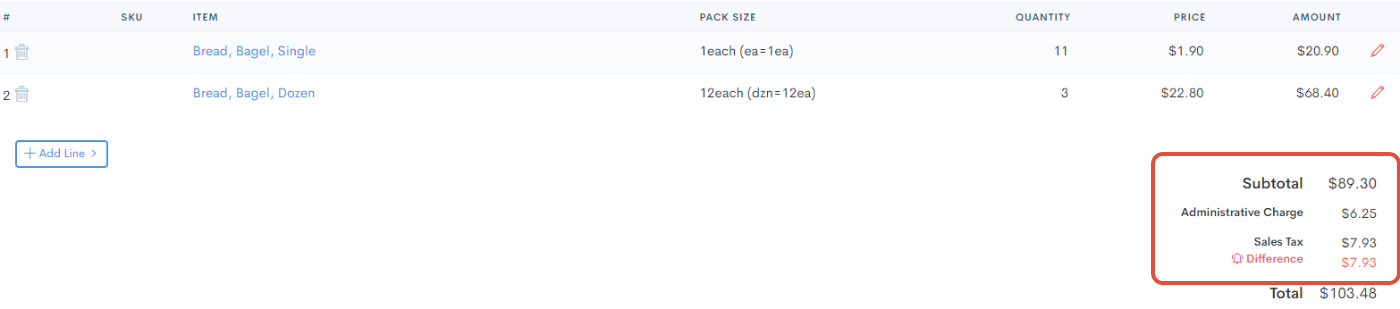
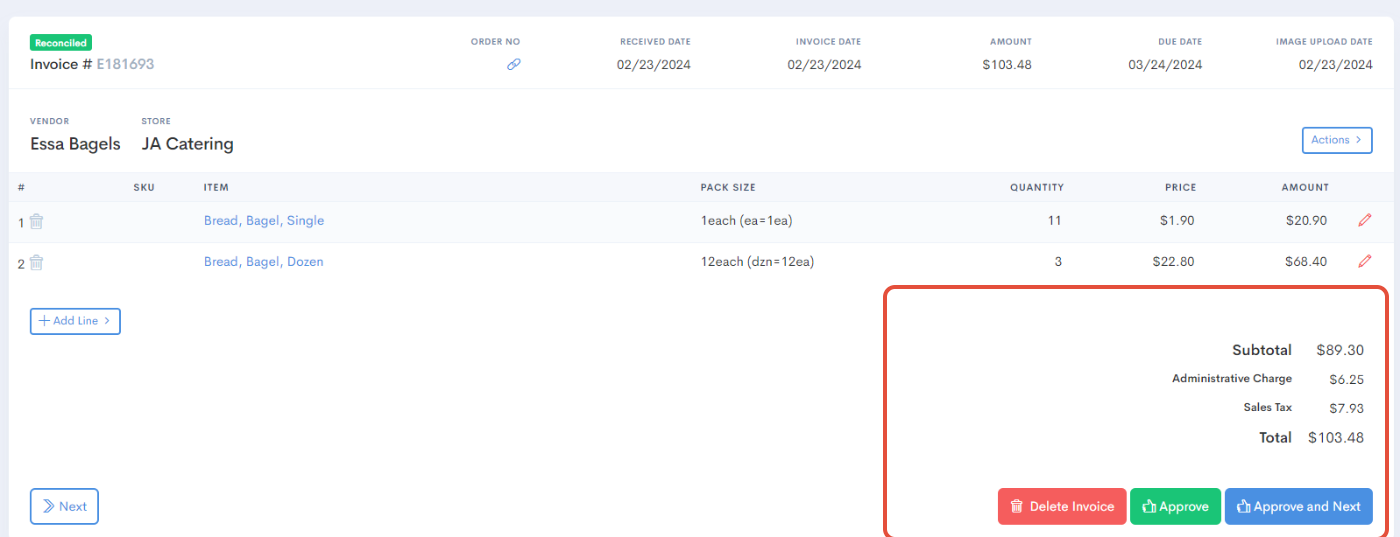
If you see that the invoice has a Sales Tax problem (like below), just click on an item in the invoice.
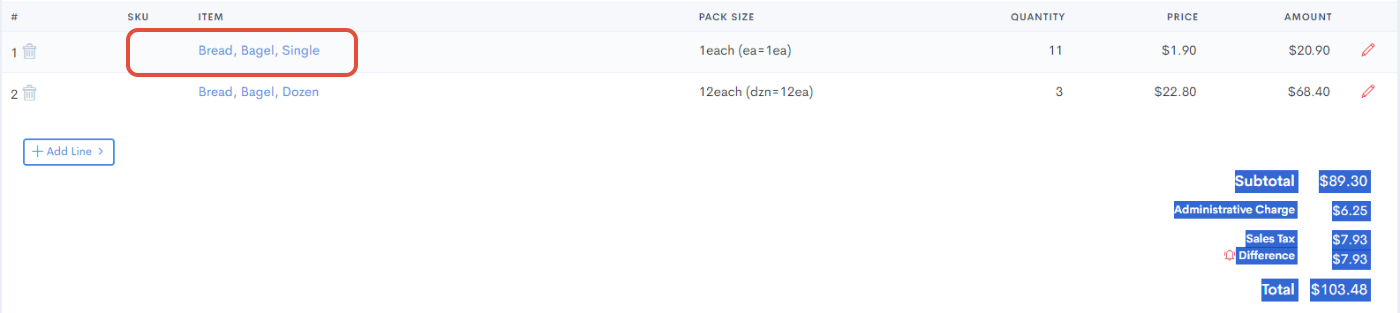
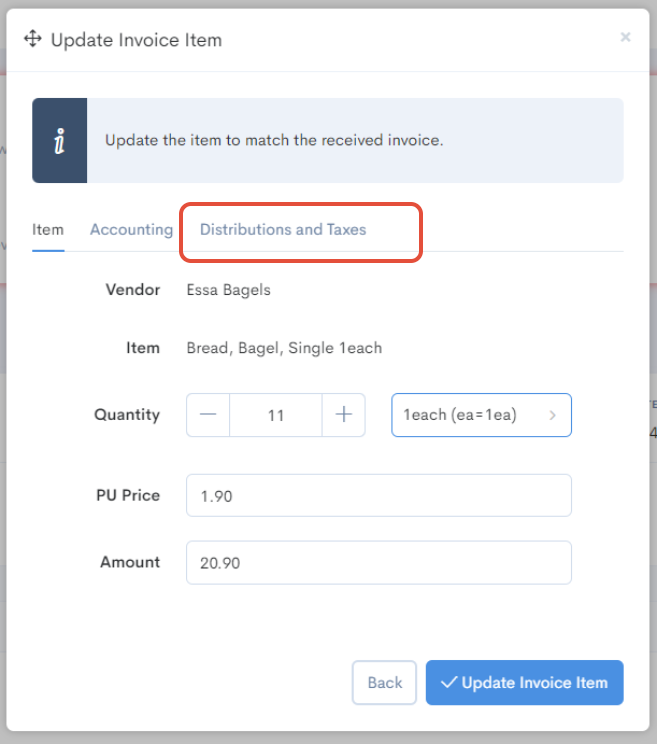
It will open a menu for you where you can identify "Distributions & Taxes" - here we will be able to withdraw or add Tax.
Scroll down and you'll find Sales Tax - this can also be the Delivery Fee. Let's follow the same procedure:
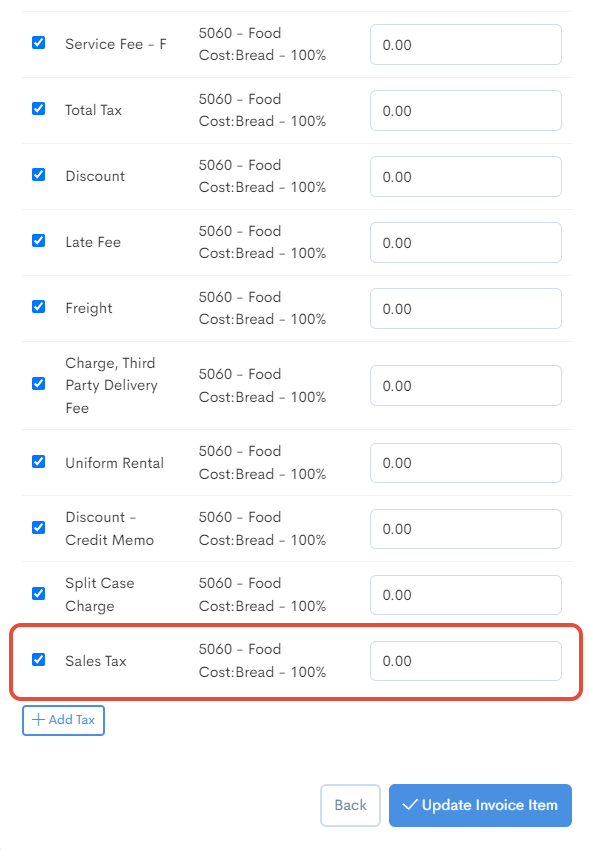
Where Sales Tax is located, we enter the value according to what the invoice tells us. Then hit Update Invoice Item.
Now, your invoice should be ready for approval if there are no other things to reconcile.
Was this article helpful?
That’s Great!
Thank you for your feedback
Sorry! We couldn't be helpful
Thank you for your feedback
Feedback sent
We appreciate your effort and will try to fix the article