In ToastWeb,
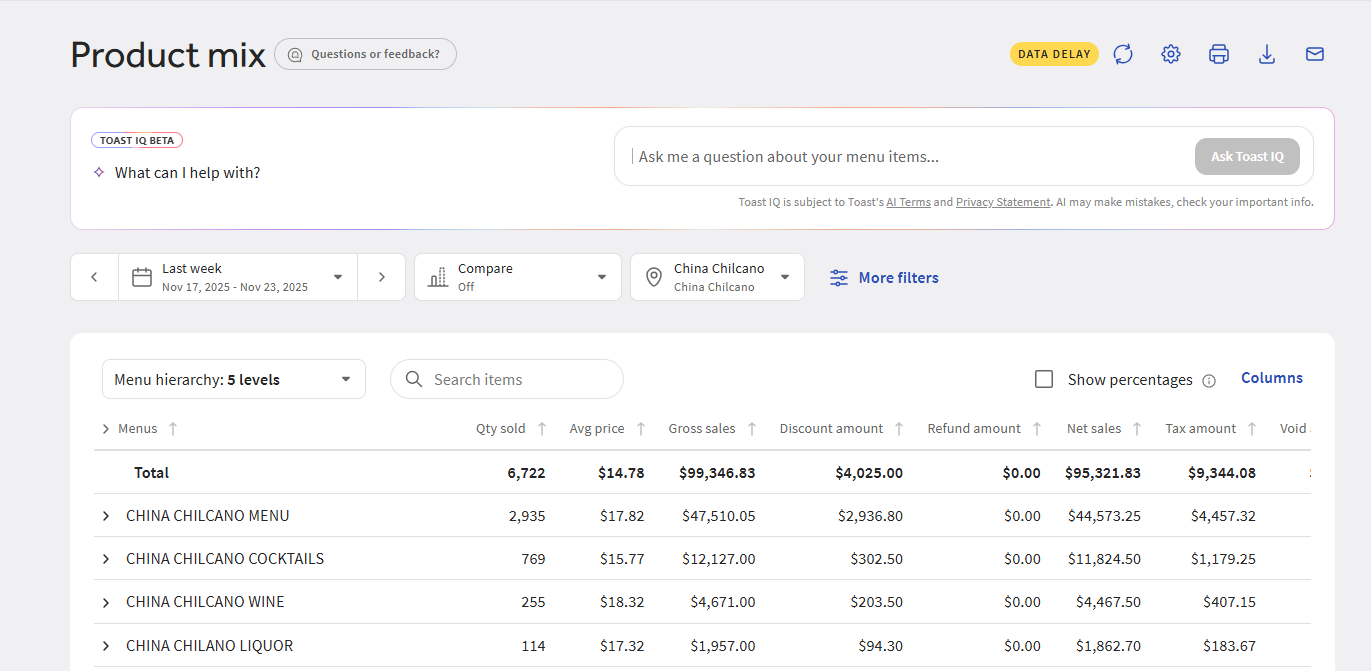
- Click Reports -> Menus -> Product Mix
- Set your date range and location
- Example - Last week's product mix for China Chilcano
- Now you will see something like this:
Here are some other useful tips for setting up a report that may be useful for campaign analysis:
- Item Search -> Most powerful, especially if you are looking for 1 particular item.

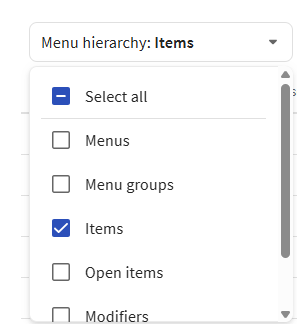
- Menu Hierarchy -> Unless you need specific menu info, you can simply uncheck all options except the Items
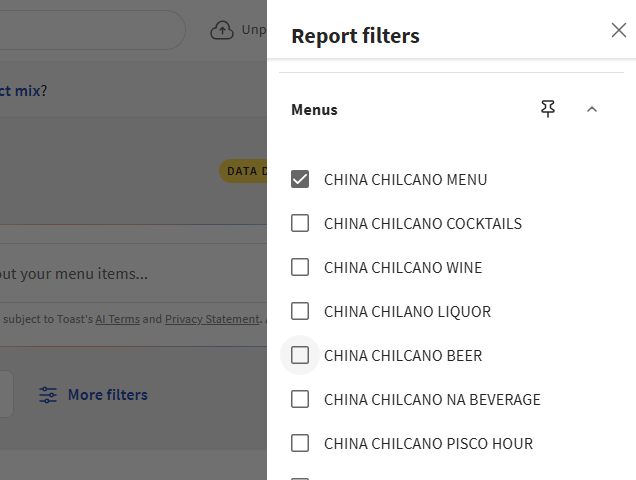
- If you are only looking for normal items and items not on a special menu (ie Pisco Hour, Online Ordering), you can filter by Menu.
Was this article helpful?
That’s Great!
Thank you for your feedback
Sorry! We couldn't be helpful
Thank you for your feedback
Feedback sent
We appreciate your effort and will try to fix the article