Start your check and ring items as you normally would.
Navigate to Pay Screen and press Room Charge
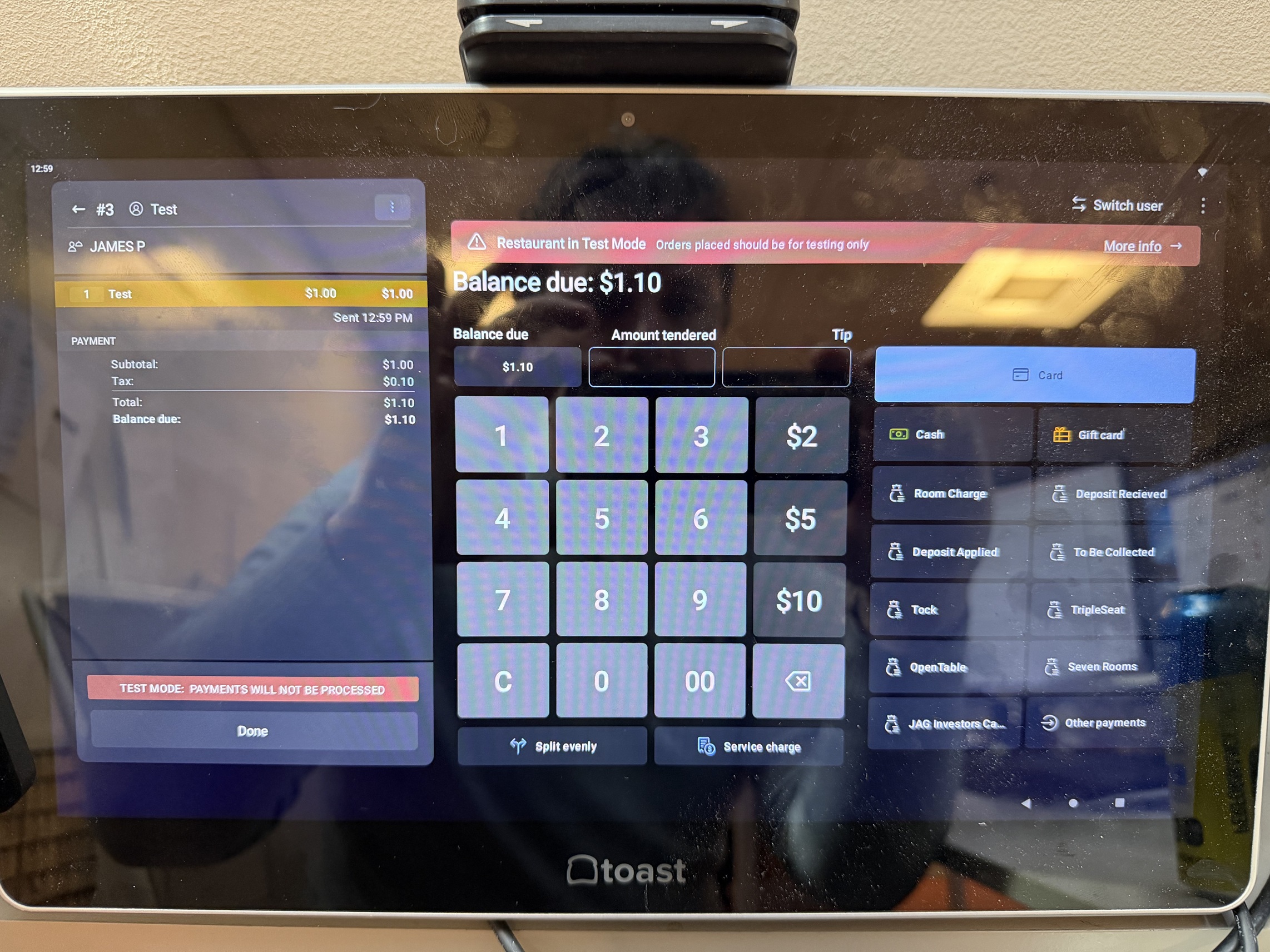
Search for your guest and find the account needing to be charged.
Once selected, your payment will be processed and sent back to the sign-in screen.
Provide payment receipt to the guest for tip + total.
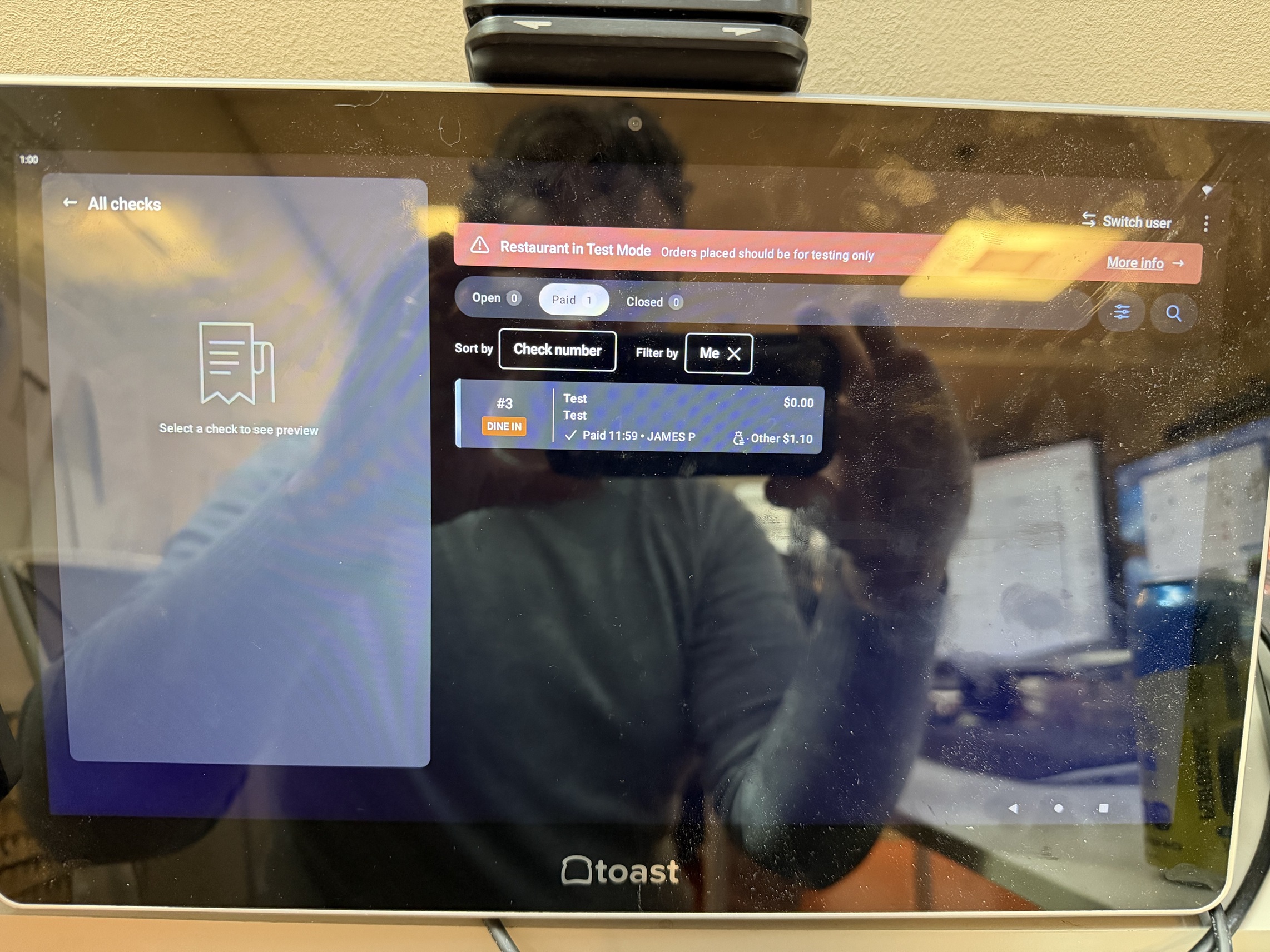
Sign back into the POS, and go to All Checks
The check will now be under Paid
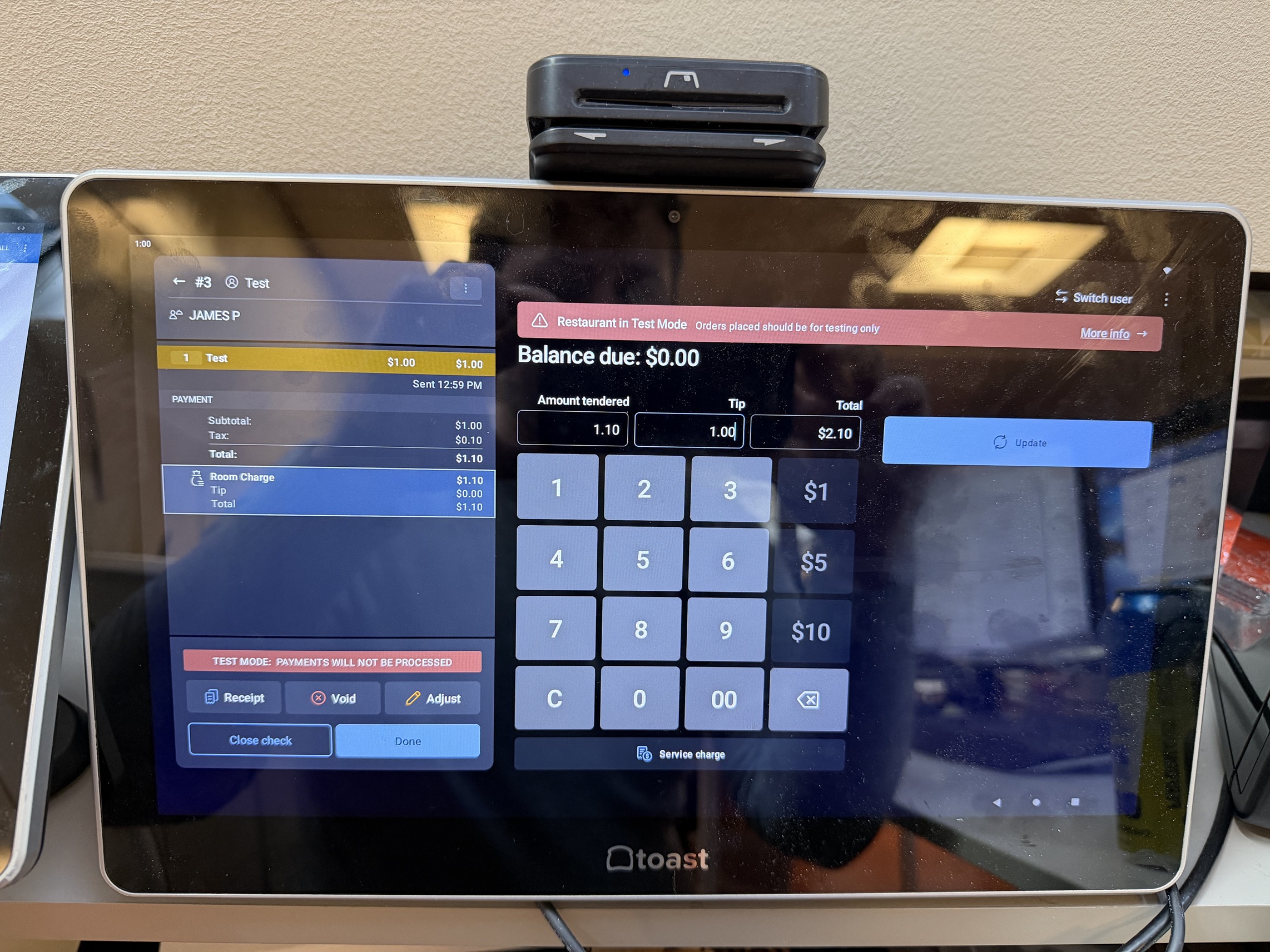
Open the check and go back to the pay screen.
Enter your Tip and click Update button on the right. Then click Close Check
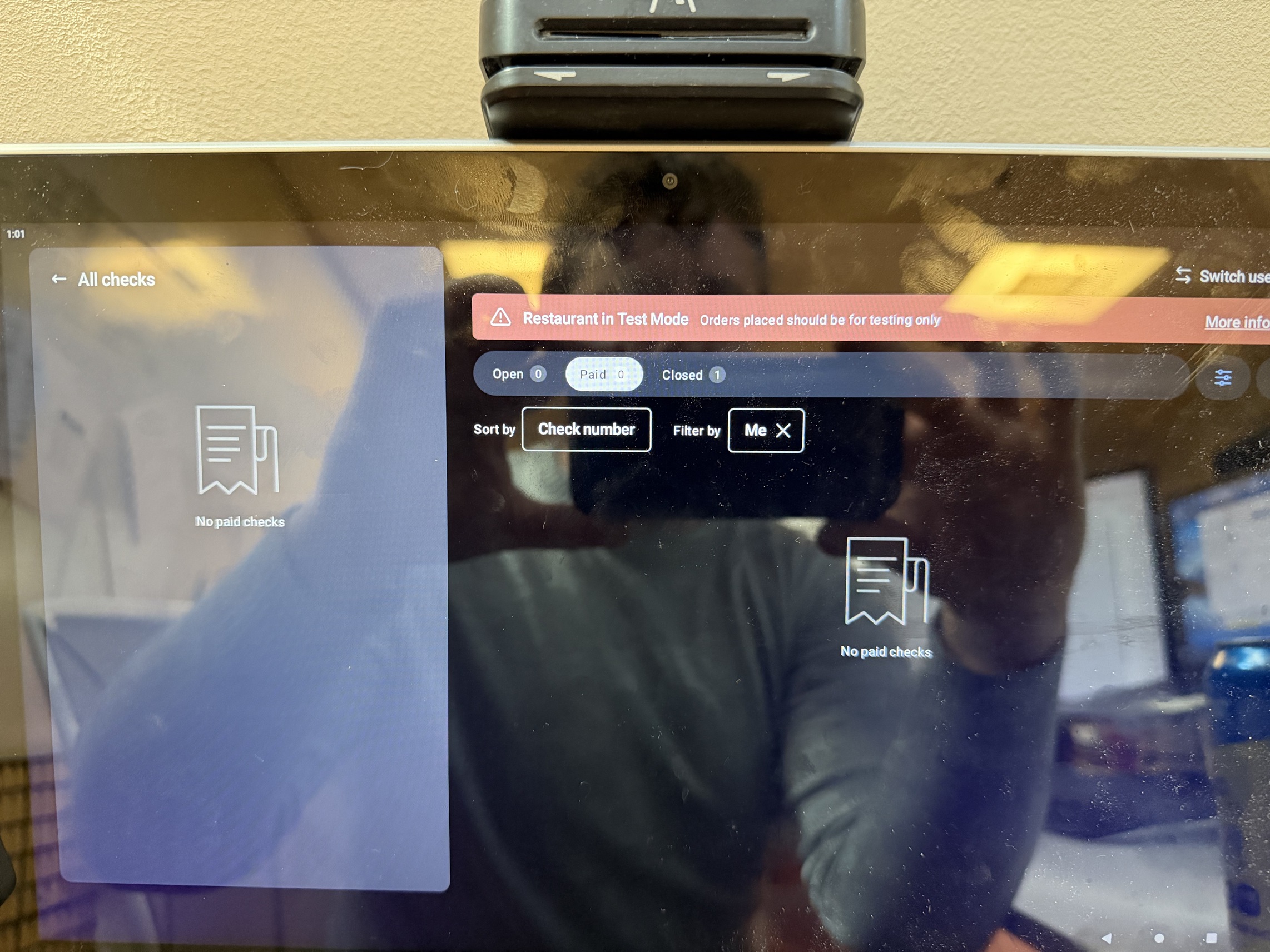
When you go to All Checks now, your check will have moved to the Closed section.
Was this article helpful?
That’s Great!
Thank you for your feedback
Sorry! We couldn't be helpful
Thank you for your feedback
Feedback sent
We appreciate your effort and will try to fix the article